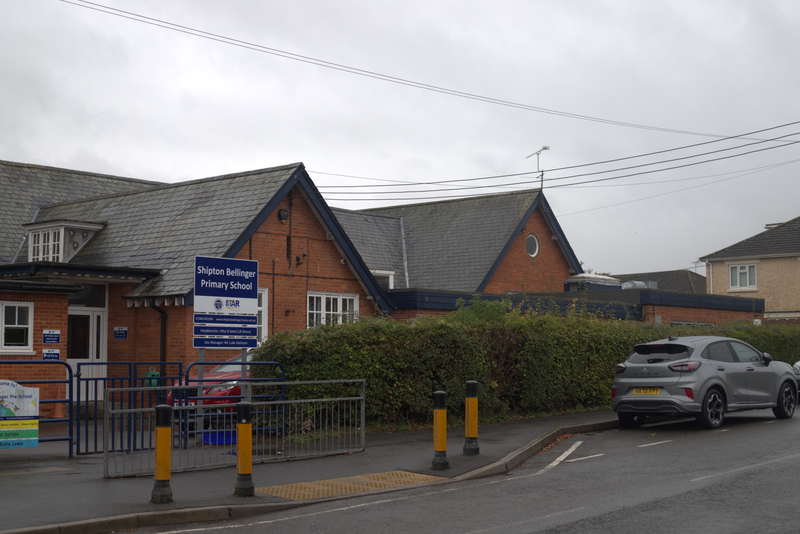



A very warm welcome to Shipton Bellinger Primary School
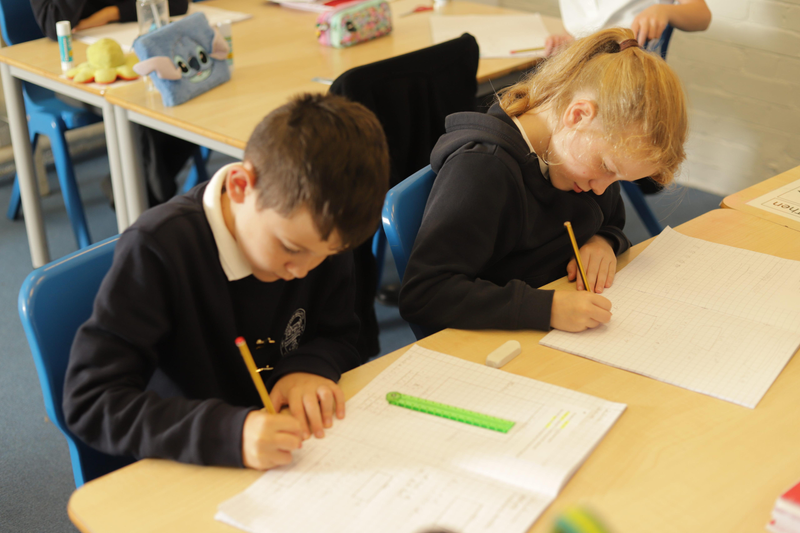
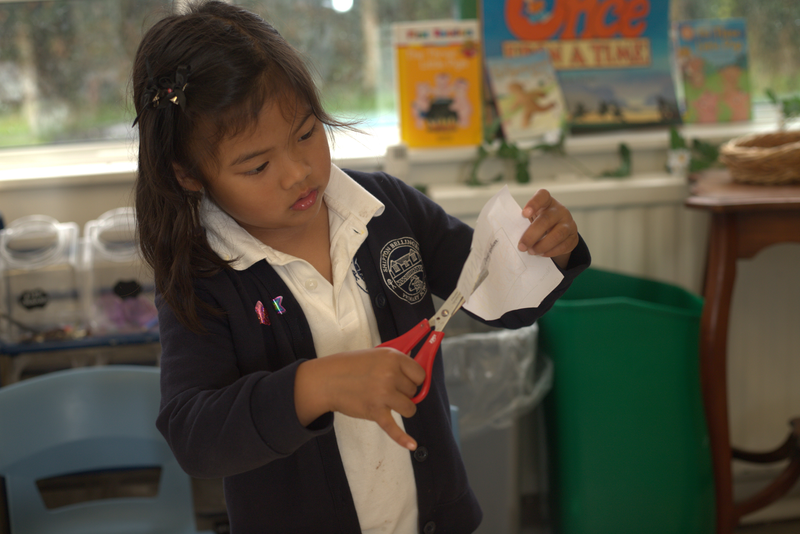
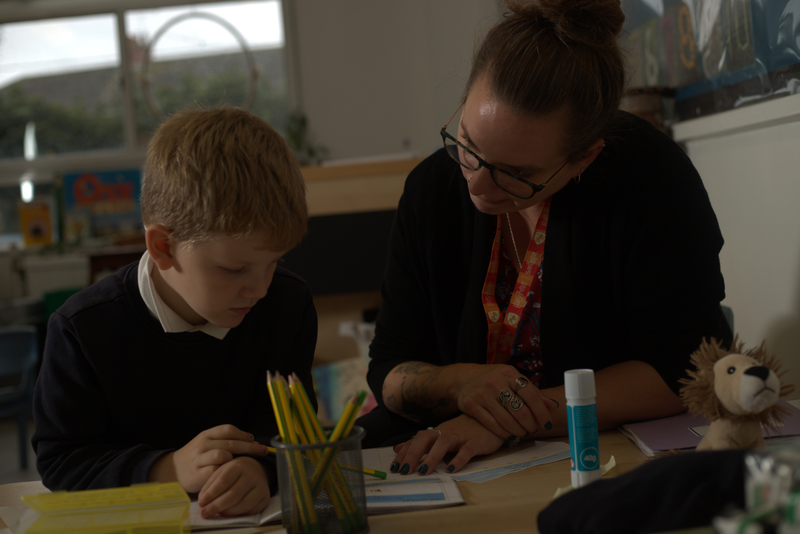
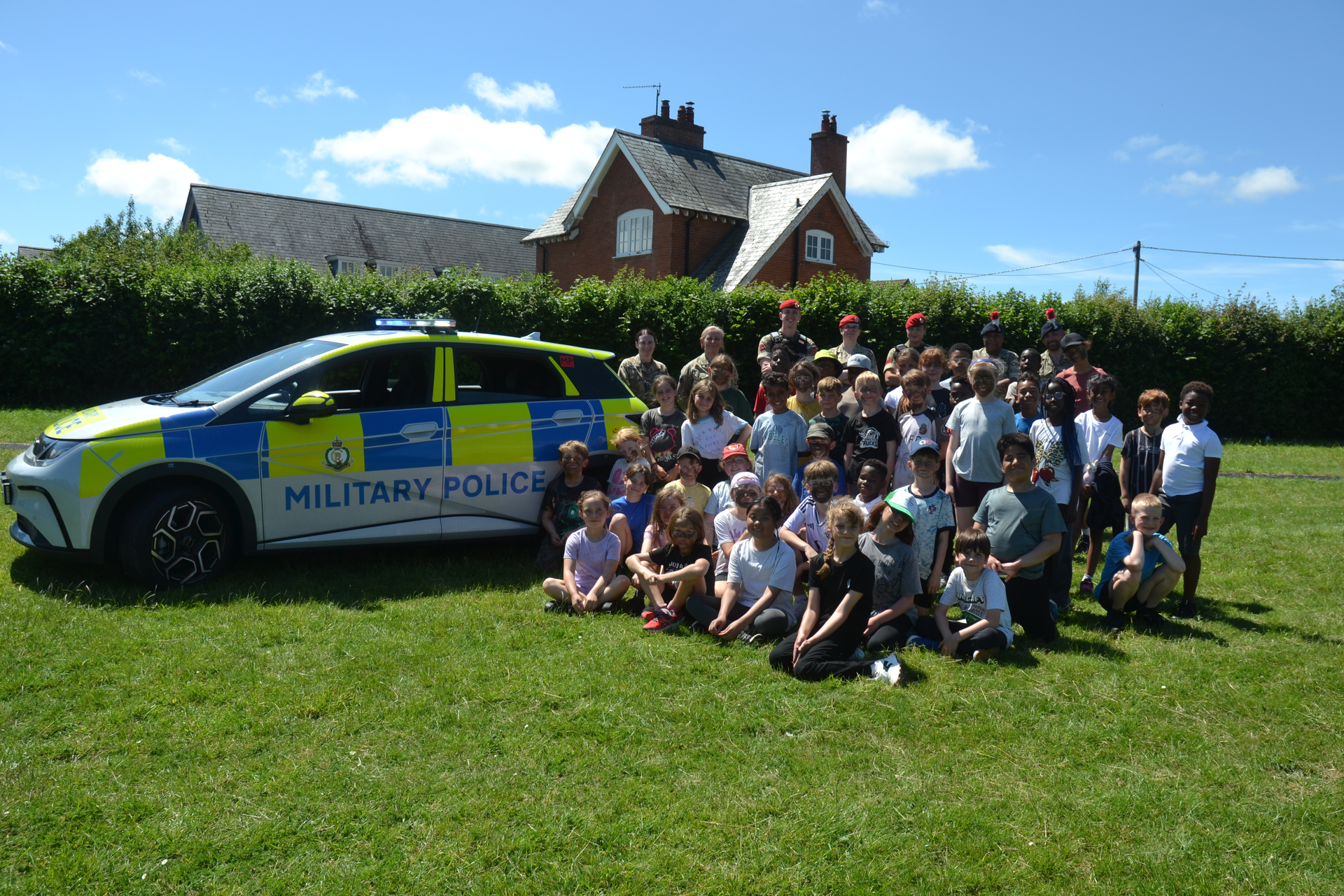
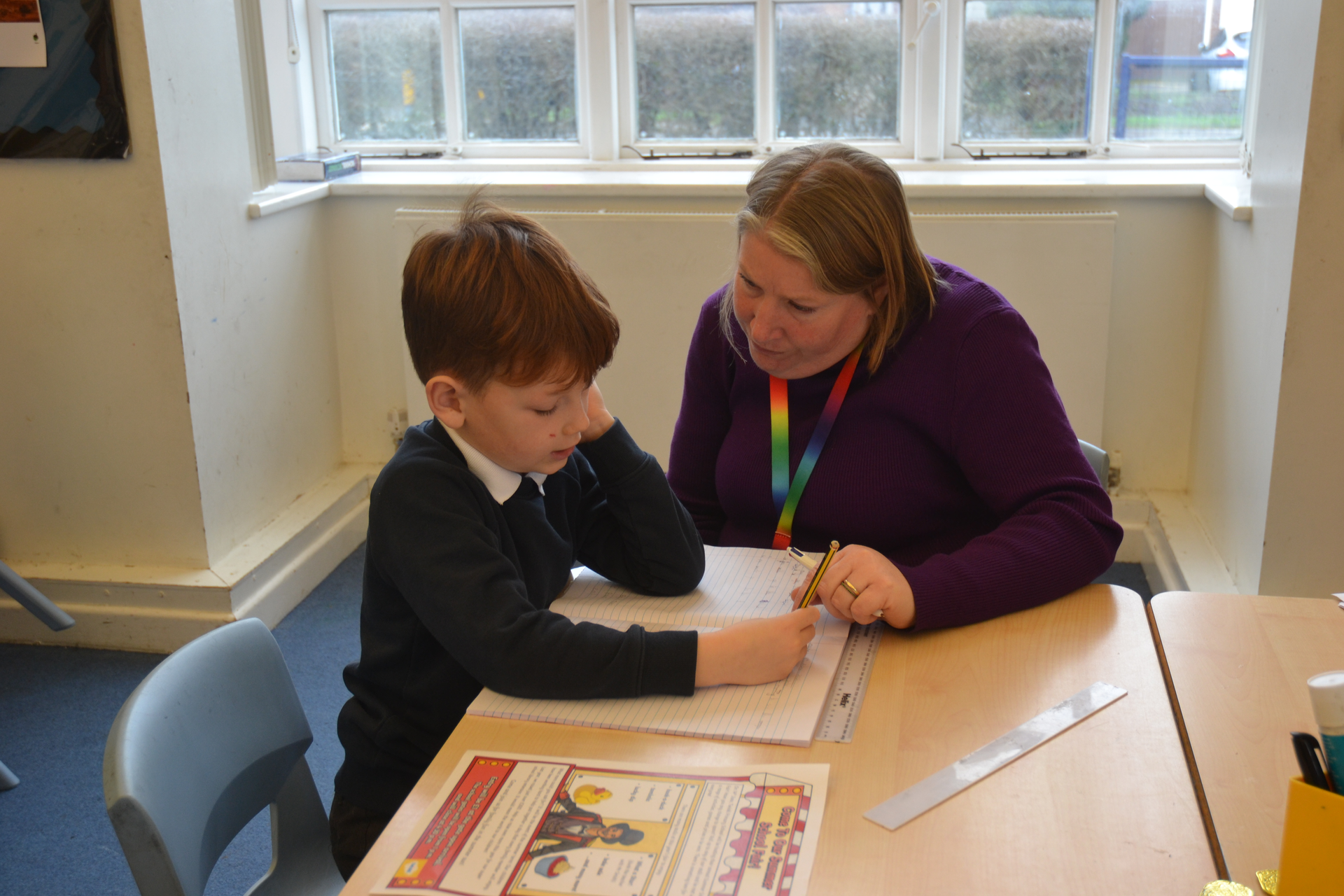
Here at Shipton Bellinger Primary School, our core purpose is to provide a safe and respectful learning environment where everyone can grow and achieve together. We are a small village primary school located in the heart of a military community, close to Tidworth, the historical town of Salisbury and Stonehenge . If this is your first visit to our website we trust it gives you a flavour of what we offer.
If you would like more information or would like to arrange an appointment to visit in person please feel free to give the school office a call, they will be very happy to help you.
Latest News
Pegasus Family Assembly
This week Pegasus Class shared all of their learning for this term through their family assembly. All
the children stood up with confidence and we particularly enjoyed the gymnastics demonstration and their song was very catchy! Well done Pegasus Class.
World Book Day
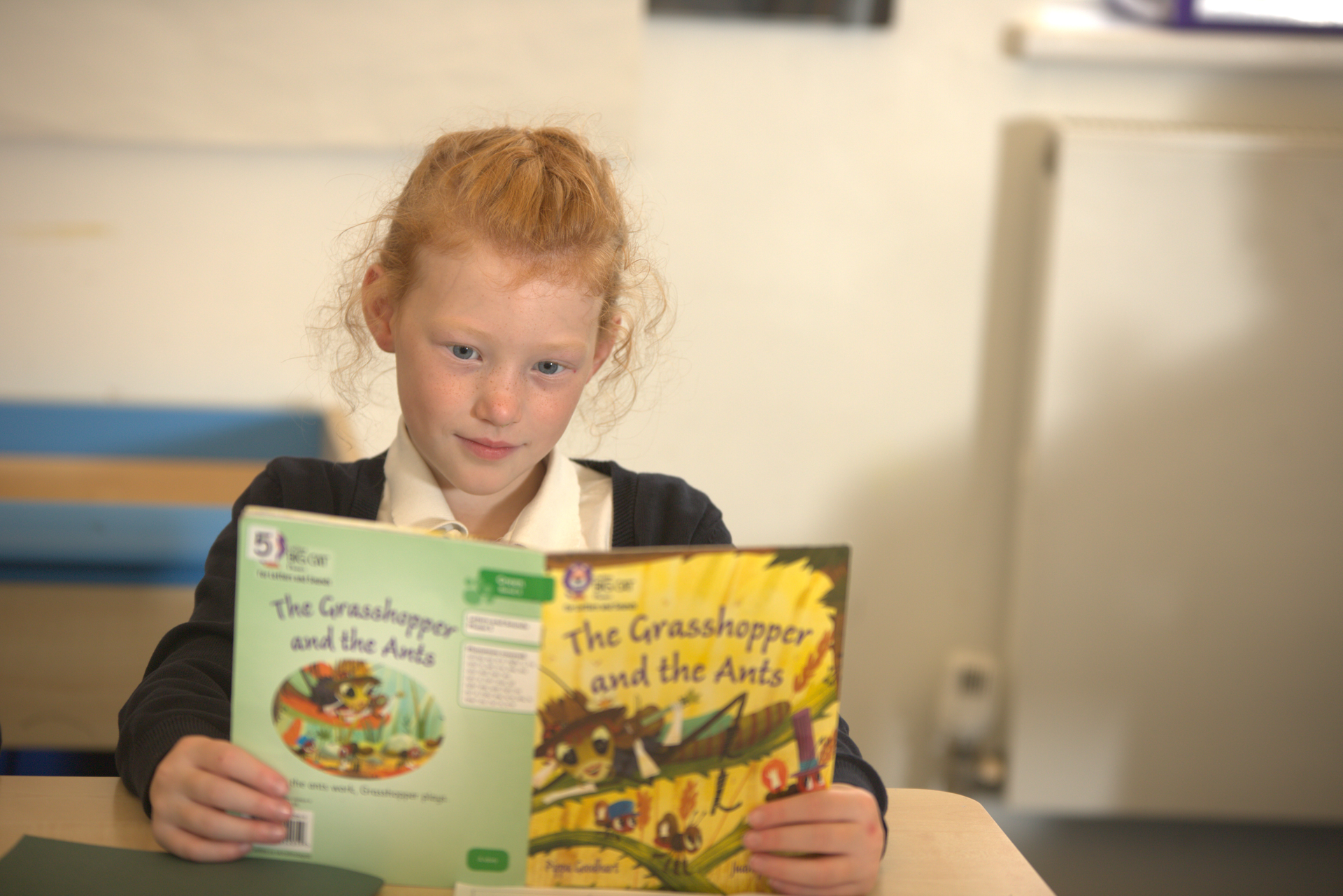
World Book Day was a great success. The day was based around the theme ‘Reading is fun’ and it certainly was. From walking along a catwalk dressed as a book character, to writing book reviews or learning how to be an illustrator, the day was jam packed with fun activities. It was lovely to see that every child dressed up in a costume and the range of the characters was impressive. Every class did a fabulous job during our assembly sharing the learning they had done over the day and the parent attendance at the assembly was great too.
STEM Week
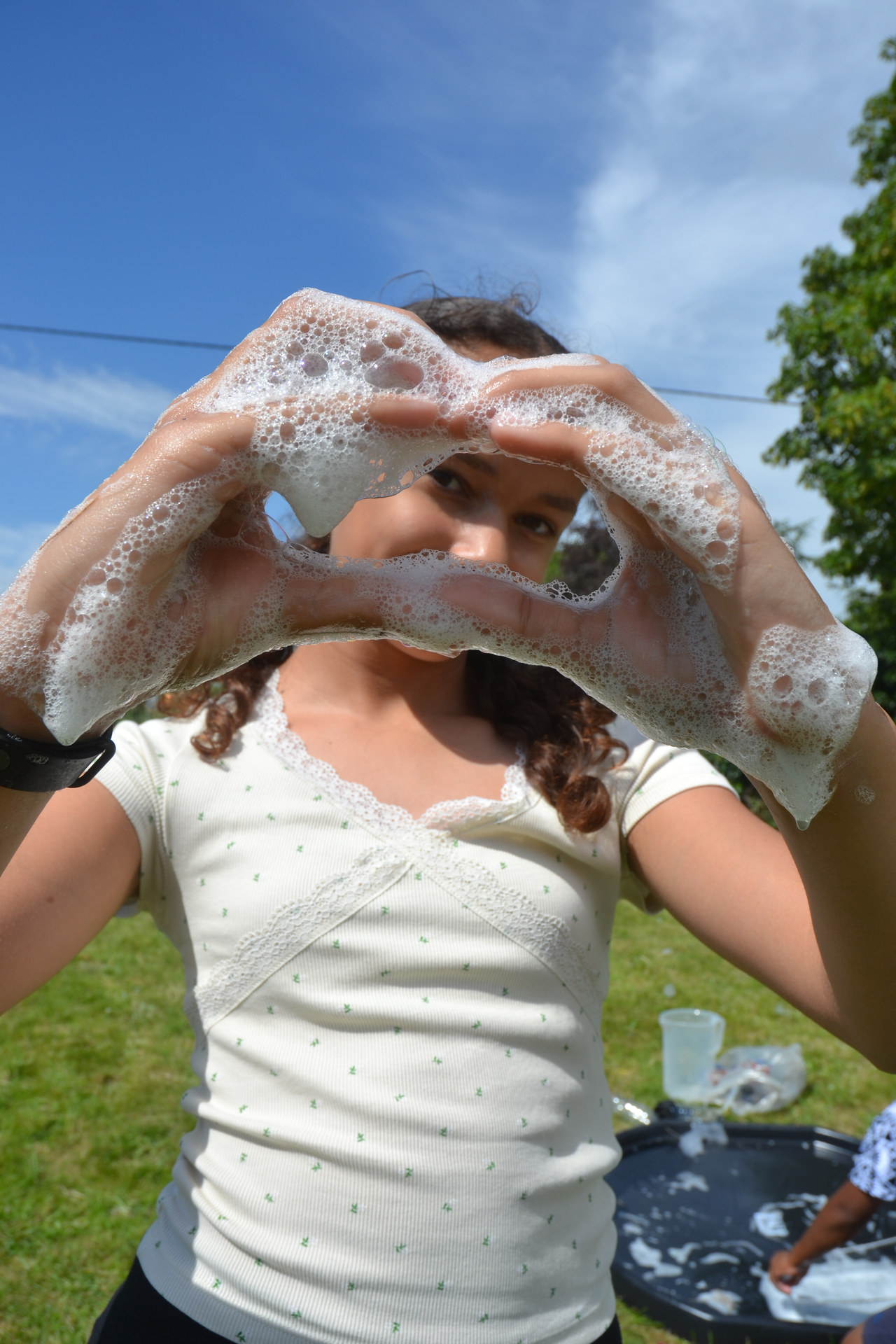
The children have really enjoyed our STEM week. Each afternoon they have had a different experiment to focus on, based on maths, science, design and technology and computing. They were all engaged when Mrs McKinney came in to support their learning. EYFS and KS1 explored solids an d liquids by making slime and KS2 extracted DNA from strawberries.
Pegasus Family Assembly
This week Pegasus Class shared all of their learning for this term through their family assembly. All
the children stood up with confidence and we particularly enjoyed the gymnastics demonstration and their song was very catchy! Well done Pegasus Class.
World Book Day
World Book Day was a great success. The day was based around the theme ‘Reading is fun’ and it certainly was. From walking along a catwalk dressed as a book character, to writing book reviews or learning how to be an illustrator, the day was jam packed with fun activities. It was lovely to see that every child dressed up in a costume and the range of the characters was impressive. Every class did a fabulous job during our assembly sharing the learning they had done over the day and the parent attendance at the assembly was great too.
STEM Week
The children have really enjoyed our STEM week. Each afternoon they have had a different experiment to focus on, based on maths, science, design and technology and computing. They were all engaged when Mrs McKinney came in to support their learning. EYFS and KS1 explored solids an d liquids by making slime and KS2 extracted DNA from strawberries.
Pegasus Family Assembly
This week Pegasus Class shared all of their learning for this term through their family assembly. All
the children stood up with confidence and we particularly enjoyed the gymnastics demonstration and their song was very catchy! Well done Pegasus Class.
Help - Adding External Calendars
Below you will find instructions on how to add calendars from different platforms:
Google Calendar
- 1. Open Google Calendar in your browser
- 2. Click the settings gear icon next to your calendar
- 3. Select "Settings and sharing"
- 4. Scroll down to "Access permissions" section
- 5. Copy the "Public URL to this calendar" link
- 6. Paste the link in the "Calendar link" field
https://calendar.google.com/calendar/embed?src=example@gmail.comOutlook Calendar
- 1. Open Outlook Calendar in your browser
- 2. Click "Share" next to your calendar
- 3. Select "Publish calendar"
- 4. Copy the "ICS" or "Web link"
- 5. Paste the link in the "Calendar link" field
https://outlook.live.com/calendar/action/view?id=exampleApple iCloud Calendar
- 1. Open iCloud Calendar in your browser
- 2. Click "Share" next to your calendar
- 3. Select "Public calendar"
- 4. Copy the "Public calendar" link
- 5. Paste the link in the "Calendar link" field
https://p123-calendars.icloud.com/published/2/exampleICS File
- 1. Find a link to an .ics file
- 2. The link must end with .ics
- 3. Paste the link in the "Calendar link" field
- 4. Example: https://example.com/calendar.ics
https://example.com/calendar.ics